
Has your Aadhaar update request been rejected due to document mismatch or invalid documents? Don’t worry. This is a common problem faced by many Aadhaar holders when the information entered in the update request does not match the supporting document submitted for verification.
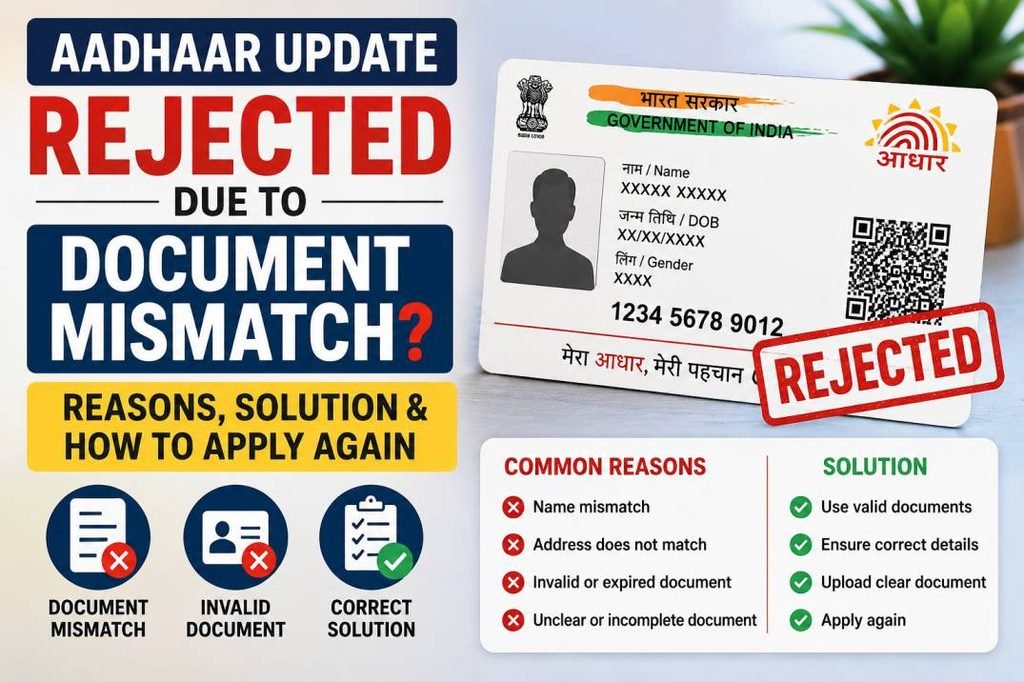
Your Aadhaar update request may be rejected because of a mismatch in your name, address, date of birth, document details, or because the uploaded document is unclear or invalid.
In this article, we explain why an Aadhaar update gets rejected due to document mismatch, how to identify the problem, and what you should do before submitting a new request.
Why Was My Aadhaar Update Rejected Due to Document Mismatch?
The details entered in an Aadhaar update request are verified against the supporting documents submitted with the application. If the information does not match properly, the request may be rejected.
Common reasons include:
- The submitted document is not valid for the requested Aadhaar update.
- The document does not belong to the Aadhaar holder.
- The address entered does not match the address mentioned in the supporting document.
- The uploaded document image is unclear, incomplete or unreadable.
- The name or other personal details differ from the supporting document.
Common Reasons for Aadhaar Document Mismatch Rejection
1. Name Mismatch Between Aadhaar and Supporting Document
One of the most common reasons for Aadhaar update rejection is a difference in the name mentioned in the application and the supporting document.
Example:
Aadhaar Name: Ramesh Kumar Singh
Document Name: Ramesh Singh
Even small differences can create verification problems.
Common name mismatch issues include:
- Missing middle name
- Different surname spelling
- Initials used in one document
- Spelling mistakes
- Name changes after marriage
- Different order of first name and surname
Before submitting an Aadhaar update request, carefully compare your name with the supporting document.
2. Address Does Not Match the Uploaded Document
Address mismatch is one of the major reasons why Aadhaar address update requests are rejected.
Example:
Address entered:
House No. 45, Shyam Nagar, Kanpur, Uttar Pradesh
Address on document:
45 Shyam Nagar Extension, Kanpur Nagar, Uttar Pradesh
Differences in house number, street, locality, village, district, state or PIN code can create problems during verification.
How to Avoid Address Mismatch
- Open your supporting address document.
- Read the complete address carefully.
- Check the house number and street name.
- Verify locality, village or area name.
- Check district and state details.
- Verify the PIN code.
- Enter the details carefully according to the document.
3. Uploaded Document Is Not Accepted
Not every document can be used for every Aadhaar update.
Supporting documents are generally used as:
- Proof of Identity
- Proof of Address
- Proof of Date of Birth
Submitting an unsupported document for a particular update request can result in rejection.
4. Document Does Not Belong to the Aadhaar Holder
The supporting document should belong to the person whose Aadhaar details are being updated.
For example, using another family member’s bank document for your own Aadhaar update may not be accepted unless the applicable update process specifically allows it.
Before submitting the document, check:
- Your name is correctly mentioned.
- The document belongs to you.
- The document is valid.
- The document supports the information you want to update.
5. Blurry or Unclear Document Upload
Sometimes the document itself is valid, but the uploaded copy is unclear.
Common problems include:
- Blurry image
- Dark photograph
- Cropped document
- Missing document corners
- Reflection or glare
- Low-quality screenshot
- Unreadable text
Always upload a clear and readable scan or photograph of the original document.
6. Wrong Document Category Selected
A document accepted as identity proof may not necessarily be accepted as address proof for a specific Aadhaar update.
Before submitting your request, check:
- Which Aadhaar detail you want to update.
- Which document category is required.
- Whether your document is valid for that category.
Aadhaar Update Rejected Due to Name Mismatch: What Should You Do?
Step 1: Check the Rejection Reason
Visit the official UIDAI MyAadhaar portal and check the reason provided for rejection.
Visit the Official MyAadhaar Portal
Step 2: Compare Your Aadhaar and Supporting Document
Check every detail carefully:
- First name
- Middle name
- Surname
- Spelling
- Date of birth
- Gender
- Address
Step 3: Use the Correct Supporting Document
Select a valid document that correctly supports the information you want to update.
Step 4: Visit an Aadhaar Enrolment Centre if Necessary
If the update involves a complex correction or your request is repeatedly rejected, visiting an Aadhaar Enrolment Centre may be the better option.
Aadhaar Address Update Rejected Due to Document Mismatch: Solution
Before applying again, check the following:
- ✓ The document is valid.
- ✓ The document belongs to the Aadhaar holder.
- ✓ Your name is correctly mentioned.
- ✓ The complete address is visible.
- ✓ The address entered matches the supporting document.
- ✓ The PIN code is correct.
- ✓ The uploaded document is clear and readable.
How to Submit Aadhaar Update Again After Rejection
- Visit the official MyAadhaar portal.
- Log in using your Aadhaar number.
- Verify using OTP sent to your registered mobile number.
- Select the appropriate Aadhaar update service.
- Enter the correct information.
- Upload a valid supporting document.
- Review all details carefully.
- Submit the request.
- Save your Service Request Number (SRN).
Documents Commonly Used for Aadhaar Update
The required document depends on the type of update you want to make.
Common Identity Documents
- PAN Card
- Voter ID
- Indian Passport
- Driving Licence
- Eligible government-issued identity documents
Common Address Documents
- Indian Passport
- Voter ID
- Bank documents where applicable
- Post Office documents where applicable
- Utility bills within the permitted validity period
- Valid rent or lease agreement where accepted
Important: Always check the latest UIDAI-approved List of Supporting Documents before applying.
Can I Submit the Aadhaar Update Request Again After Rejection?
Yes. You can submit a fresh Aadhaar update request after correcting the problem.
However, do not submit exactly the same information and documents again if they caused the rejection.
Before reapplying:
- Read the rejection reason carefully.
- Identify the mismatch.
- Use the correct supporting document.
- Upload a clear document.
- Review every detail before submission.
How to Check Aadhaar Update Status
After submitting an Aadhaar update request, you receive a Service Request Number (SRN).
You can use the SRN to track the status of your Aadhaar update request through the official UIDAI portal.
Keep the SRN safe until your update request is completed.
Aadhaar Update Rejected Even Though Documents Are Correct: What to Do?
If your documents appear correct but the update was still rejected, check the following issues.
Check Document Quality
- Make sure the document is complete.
- Ensure it is not cropped.
- Check that all text is readable.
- Verify that the document is valid.
Check for Minor Spelling Differences
Compare every character carefully. Even small differences can matter.
Examples include:
- Kumar vs Kumaar
- Singh vs Sing
- Mohd vs Mohammed
- Different village names
- Incorrect house numbers
- Wrong PIN codes
Visit an Aadhaar Enrolment Centre
If your request continues to be rejected, visit an authorised Aadhaar Enrolment Centre for assistance.
Can Aadhaar Update Be Rejected Multiple Times?
Yes. An Aadhaar update request can be rejected multiple times if the same problem is not corrected.
Common repeated mistakes include:
- Uploading the same invalid document.
- Entering an address differently from the document.
- Uploading unclear scans.
- Submitting documents with different names.
- Selecting the wrong document category.
Important Tips to Prevent Aadhaar Update Rejection
1. Review Everything Before Submission
Do not rush. Carefully check all details before submitting your request.
2. Match Details Carefully
Ensure the information entered is properly supported by the document you submit.
3. Use Valid Documents
Check UIDAI’s latest approved document list.
4. Upload Clear Documents
Use a high-quality scan or clear photograph of the original document.
5. Save Your SRN
The Service Request Number is important for tracking your update request.
6. Visit an Aadhaar Centre for Complex Cases
If your online request keeps getting rejected, an Aadhaar Enrolment Centre may be able to assist you with the appropriate update process.
Frequently Asked Questions
Why was my Aadhaar update rejected due to document mismatch?
Your Aadhaar update may be rejected if the submitted document is invalid, does not belong to the Aadhaar holder, contains different details from the update request, or is unclear and unreadable.
Can I apply for Aadhaar update again after rejection?
Yes. You can submit a fresh Aadhaar update request after correcting the reason for rejection.
Why is my Aadhaar address update getting rejected?
Common reasons include address mismatch, invalid Proof of Address, unclear document upload or incorrect information in the application.
Does Aadhaar address have to match the supporting document?
The address details entered for an update should be properly supported by the address mentioned in the submitted Proof of Address document.
What should I do if my Aadhaar update is rejected repeatedly?
Do not keep submitting the same request. Identify the exact problem, verify your documents and consider visiting an Aadhaar Enrolment Centre.
Will my Aadhaar number change after updating my details?
No. Updating your Aadhaar details does not change your Aadhaar number.
Final Words
If your Aadhaar update was rejected due to document mismatch, the solution is usually to carefully compare your application details with the supporting document and identify the mismatch.
The most important things to check are:
- Name
- Address
- Date of birth
- Document validity
- Document ownership
- Document quality
Do not submit the same request again without checking the reason for rejection. Correcting even a small mistake can help prevent another Aadhaar update rejection.
For the latest Aadhaar rules and document requirements, always refer to the official UIDAI website.